Synthesize Research Findings
Interdisciplinary research often requires navigating the specialized terminology and concepts of unfamiliar fields. This session explores a shift from manual literature reviews to strategic, AI-assisted synthesis.
Write Better Grants
In this session, faculty will learn how to use Gemini Notebook as a “grant-alignment engine” to identify structural gaps in narratives.
Vibe Coding with Gemini for Higher Education
Vibe coding is the practice of using AI to help create software, websites, automations, and digital tools through natural language instead of traditional programming. Rather than writing every line of code yourself, you describe what you want to build, collaborate with AI, and refine the results together.
Introduction to Gemini Notebook for Higher Education
Formerly called NotebookLM, Gemini Notebooks are AI-powered research and note-taking workspaces that help you analyze, summarize, and interact with your documents, websites, PDFs, and other sources using Gemini.
Introduction to Gemini for Higher Education
Gemini is your creative partner for the “heavy lifting” of design. Let us empower you to scale personalized learning and daily work efficiencies to any workplace. We use examples specific to higher education faculty.

Design Problem Solving Scenarios that Encourage Critical Thinking
In an environment where basic answers are just a click away, teaching must shift from algorithmic thinking—where students follow set steps to known answers—toward complex problem-solving. To build true curriculum rigor, students need to wrestle with messy data, conflicting stakeholder interests, and real-world scenarios that cannot be solved by a simple search result or a single-paragraph AI summary.
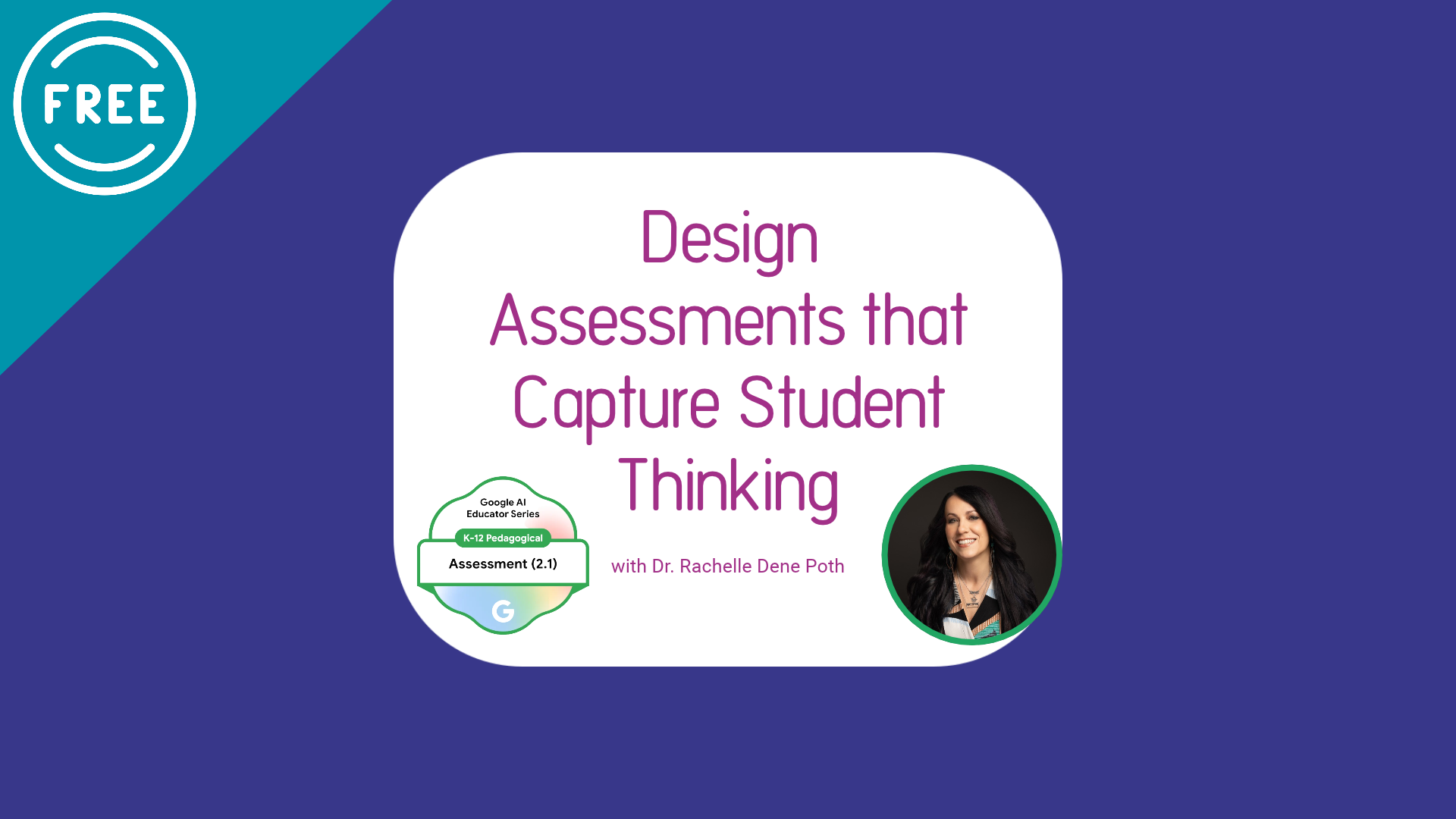
Design Assessments that Capture Student Thinking
When reviewing student work, encountering AI-generated output instead of authentic student learning can be challenging. Rather than focusing solely on detecting AI usage, this webinar guides you in designing process-based assessments that prioritize student thinking, reflection, and iterative growth. You will explore how to use Google Gemini to shift your focus from grading final papers to coaching the learning process.

AI for the Part of Teaching Nobody Talks About with Google Gemini
In this free 30-minute session, educators will explore how Google Gemini can help streamline many of these time-consuming responsibilities while maintaining professionalism, personalization, and educator oversight. Through practical examples and real-world scenarios, you'll see how Gemini can support drafting classroom communications, creating documentation, summarizing information, and organizing routine administrative work more efficiently.

Using Google Gemini to Support Efficient, Personalized Student Feedback
In this free 30-minute session, educators, staff, and faculty will explore how Google Gemini can support more efficient and sustainable approaches to feedback. You’ll see practical examples of how Gemini can assist in generating specific, student-centered comments while helping you reduce repetitive tasks and manage workloads more effectively.

Getting Started with Google Gemini for Educators, Staff, and Faculty
Explore how Google Gemini can support your everyday workflow. In this session, you’ll see how Gemini can help you plan, communicate, and create content more efficiently using both the standalone tool and Google Workspace apps like Docs, Gmail, and Slides.
